
Subpixel-perfect scrolling
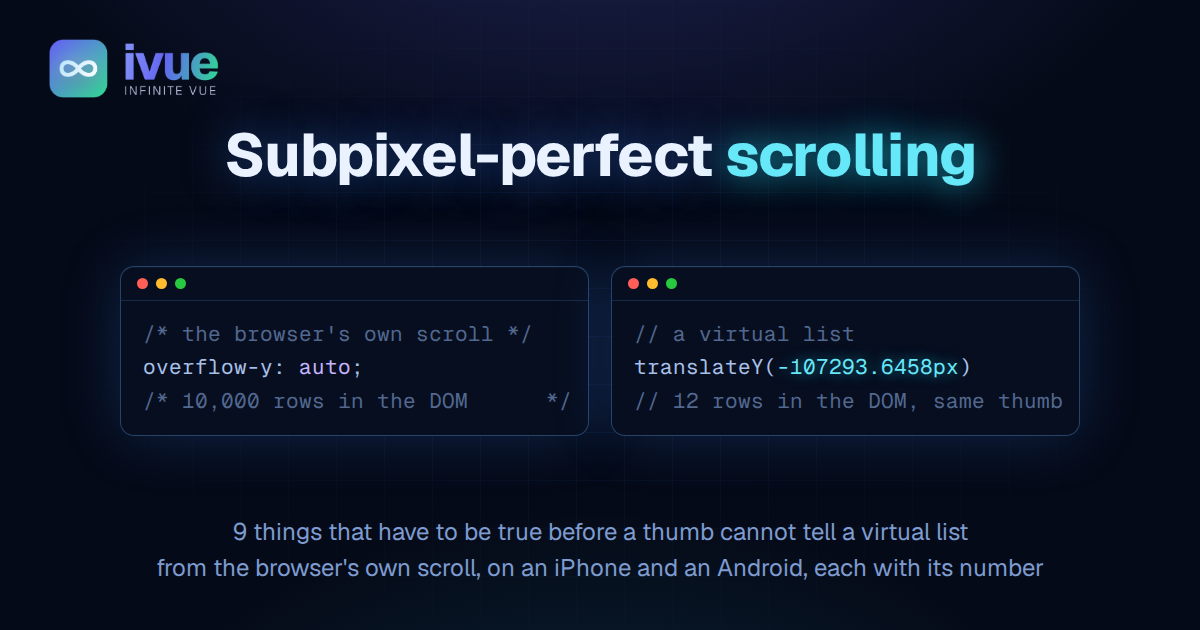
/* the browser's own scroll */
overflow-y: auto;// a virtual list
inner.style.transform = `translateY(${-position}px)`;The first line gets you scrolling that runs on its own thread, never asks the page for anything, and feels the same on every phone. It also gets you 10,000 rows in the DOM. The second line gets you 12 rows in the DOM and a scroll you have to build yourself, on the main thread, from numbers.
This post is the list of what had to be true before a thumb could not tell the 2 apart. Each item has a number. Both phones, an iPhone and a Galaxy S22 Ultra, were judged by hand against a plain browser scroll box until the answer was "same".
The thread below is where it was judged: the AI chat example, built with the Infinite Malleability Kit. It is a real Claude Code session, 10,350 messages, content fetched a page at a time as you reach it.
1. The model owns the position, and nothing rounds after it
ivue, a 1.1 kB class layer over Vue's reactivity, drives its virtual scroller with a small scroll engine. Every frame it computes 1 number, the position, and writes it as a translateY. Every other part of the scroller reads that same number.
There used to be 3 places that rounded on the way from the number to the screen. A rounded target, so the lerp could finish on an integer. A rounded write, so glyphs would sit on the device grid. A rounded write again as the content came to rest. Each one was reasoned. Each one was visible.
A drag re-targets every touch event from the finger's own position. Round the target and each fraction of the gesture is thrown away before it reaches the layer. The content walks under the thumb in whole pixels. A finger moving 0.3 px at a time moved the content 0 px, then 1 px.
Rounding at rest was worse. The layer slid up to half a device pixel onto the grid with nothing else moving, and the redraw that followed snapped every line of text from its new position. A line dropped 1 px at the exact moment a scroll ended.
Now the transform is written to the fraction, every frame, in every setting. Measured on the settling frames: 106570.1067 then 106570.1036. No step.
Update, 2 days later. Half of this condition was wrong. The model owns the fraction, and nothing may round before the write. But the write itself now lands on the device-pixel grid, because that is what the browser's own scroll presents, and a fractional write shimmers at the slow tail of a glide. The earlier snap had been judged at speed, where it cannot show. The full account, and what it opens, is in 99.7% and 100% are worlds apart.
2. The recorded height of a row is the height the browser drew
The scroller measures each row when it mounts, so the 2 empty spacer elements around the live rows can be sized by arithmetic. That arithmetic is only as good as the measurements.
They were off. Every measured height was divided by a "wrapper scale" meant to undo a CSS transform on a parent, computed as the wrapper's fractional rect height over its integer offsetHeight. A wrapper 1149.625 px tall read as scaled by 0.999674, and every row recorded 0.03 to 0.06 px taller than drawn:
row       drawn       recorded    error
10343     191.3750    191.4374    +0.062
10345 102.5000 102.5334 +0.033Every drawn height is a multiple of 1/64 px, because that is the unit Chrome lays out in. Fold 3 mis-measured rows back into a spacer and the content below moves 3/64 px, and the redraw hops a line of text. The fix is 4 lines: under 1 px of rect-to-offset difference the scale is 1, since a real transform moves the wrapper by many pixels and rounding by at most half of one.
After: recorded equals drawn on every row, and releasing 4 spare rows at rest moves 0 remaining rows. The full story of finding this is in One question deleted 537 lines.
3. The row under the reader stays put while sizes settle
Rows measure as they mount. A row above the reader that measures taller than its estimate would push everything below it down. So the scroller notes which row sits under the viewport's leading edge before a wave of measurements, and after the wave it moves the scroll by exactly what the content above moved. The reader's row does not move on screen.
That shift goes through the scroll engine whole: the target, the animated position, a running glide, and the finger's trail of recent positions. The trail is where a flick's speed is read from. When the trail was left behind during a drag, a wave of rows measuring above the finger wrote its own hundreds of pixels into the finger's apparent speed, and the release flicked the wrong way. On arrival, where the first screens are still measuring, the first flick bounced back to where it started.
4. A drag puts the content under the finger, in the same event
A drag is not an animation. Through a lerp, even a lerp of 1, the content trails the finger by about 50 ms and arrives only when the settle band snaps it. That reads as the content creeping after the thumb. Now a drag writes the position in the touch event itself, and only a flick's release animates.
5. The reader's own input ends a landing
The chat opens on its newest message. That landing keeps re-applying its target as the first screens measure, because the first jump was computed from an estimate. It used to ask whether the reader had taken over only when the geometry changed, and "taken over" meant a running glide. A drag has no glide. So for a whole gesture the loop saw no reader and went on pinning the landing under the finger.
A finger on the glass now counts as the reader moving, and the loop ends on the input itself. Measured by flicking at a fixed delay after arrival and tracking 1 row's screen position: at 700 ms and later the row follows the finger and glides out, where before it snapped back and froze.
6. Speed is measured in px per millisecond, not per frame
The Galaxy runs at 120 Hz, the iPhone at 60. A speed measured per animation frame is half as large on the Galaxy for the same motion. Every decision made from speed, the render pad's lookahead, the brake when a finger lands on a glide, a flick's fallback speed, used to be per frame. On the Galaxy the pad reached half as far and the brake stopped half as short. They now read px per millisecond from the frame's real duration. Same motion, same numbers, on both.
7. A flick travels as far as the browser's would
Distance is speed times carry, where carry is stated in frames of the finger's own speed. The browser's own fling, measured on the plain scroll box, comes out at about 16 frames. Same launch speed:
| carry | travels | duration |
|---|---|---|
| 16 | 337 px | 0.57 s |
| 35 | 491 px | 1.19 s |
| browser | 310 px | 0.52 s |
The scroller ships 35 and offers 16, 24 and 30 in the strip above the thread, because a longer throw is a fair choice for a 10,000-message thread. The point is that the choice is now a number you can feel against the browser's, not a guess.
8. How it comes to rest is a choice between 2 phones
2 glide models stayed, and not because of any bug. An exponential ease approaches its target and settles inside half a pixel. A constant-friction stop decelerates evenly and arrives over 2 / lerp frames. Judged by hand, the exponential ease reads as an iPhone's fling and the friction stop reads as Android's. Both are live in the strip.
9. Nothing is scheduled to happen just after motion stops
Spare rows the render pad mounted for a flick are released about 236 ms after the content comes to rest. With exact heights that release moves nothing. With inexact heights it was the one moment a reader is staring at a still screen while layout changes under it. The general form: any work scheduled a few hundred milliseconds after motion stops runs at the worst possible time, because that is exactly when someone is looking.
What did not help
4 mechanisms were built, measured and reverted. Deferring the size-measurement cascade to the next frame: the scroll loop is itself a frame callback, so there is no idle frame to defer into, and it measured worse. Removing the mount-time measurement: the forced layout went to 0 ms and dropped frames did not change, because the browser lays out anyway. Snapping to the grid on the frames that draw fresh tiles: built on a guess about the cause, fixed nothing. Releasing spare rows only while moving: fixed the line hop and stopped the iPhone from unloading rows.
Each one had a number behind it. Each one was about the fraction. The fraction was never the problem.
What is still not native
The browser scrolls on its compositor thread. A virtual list needs the main thread every frame. Any pause there, a fetch settling, a garbage collection, is a hitch for the list and invisible to the browser. And mounting a row whose size is not yet known costs a frame: measured under a 6× CPU throttle, 5 of 6 late frames were the frames that mounted rows. Re-crossing rows already measured is at parity with the browser. Crossing new ones is not, yet.
That is the remaining gap, and it is a real one. It is also small enough that 2 thumbs, on 2 phones, called the result native.
Update. One more thing native has that a page does not: the panel's full frame rate. A ProMotion iPhone scrolls at 120 Hz and Safari draws page animation at 60 unless the reader turns off "Prefer Page Rendering Updates near 60fps" in Safari's feature flags; a 120 Hz Android asks for 120 under a finger and gives a page 60 the moment it lifts. Half the frames at the same speed is twice the motion blur, only while moving. The per-frame log that found it, and the same glide at 120 Hz, are in 99.7% and 100% are worlds apart.
The shape of it
None of the 9 is a trick. Each is something that has to be true if a thumb is to feel nothing. Each was found the same way: measure what the phone shows, ask what would have to hold for it to be otherwise, delete whatever the answer does not need. The scroller that reached parity is 537 lines smaller than the one that was trying to.
That is the part I keep coming back to. We did not add native feel. We removed everything that was not it.
Native feel is not a feature. It is what is left when nothing between the finger and the pixel is lying.

Comments